Venue Marketing / Lead Generation
Venue Marketing Automation: What to Automate First
The inquiry arrives at 9:42 p.m. while the venue manager is loading rental items after a Saturday wedding. By Monday morning, the couple has already heard back from two other spaces. Nobody on the team ignored the lead on purpose. It landed in a shared inbox, then disappeared under vendor questions, deposits, and weekend photos.
That is the sort of gap venue marketing automation should fix. It should not imitate a coordinator's voice for pages of messages or turn every couple into a workflow. It should make the first handoff reliable, give the team context, and keep the next action visible until someone either books a tour or closes the loop.
Start with the leak you can name
Before adding an automation platform, trace ten recent inquiries from source to outcome. Write down where they came from, who first saw them, when they received a reply, whether a tour was offered, and what happened after that. Most venues will find a few familiar problems: a Facebook lead that never reached the sales inbox, a website form with no assigned owner, a tour that was booked but never confirmed, or a proposal that had no follow-up date.
Those are workflow problems. Buying more traffic does not solve them. A strong venue CRM and lead-tracking setup gives each inquiry a record, an owner, and a stage. The useful stages are plain language: new inquiry, contacted, qualified, tour booked, tour completed, proposal sent, booked, and lost. A team should be able to open the pipeline on a Tuesday afternoon and tell which leads need attention without searching old email threads.
This also gives you a reasonable line between automation and judgment. A system can create the record, alert the right person, and schedule the next task. The team still decides whether a date is realistic, whether a guest count fits, and how to handle a couple with complicated family or cultural requirements.
Give every new inquiry an immediate, useful first response
A first response has one job: tell the person their inquiry arrived and make the next step clear. It can confirm the venue received the message, say when a team member will reply, and invite the prospect to share the date, guest count, or event type if those details are missing. It should not claim a date is available unless the system has real inventory behind it.
Speed matters because the person who inquired is usually comparing several places at once. In its lead-response study, Harvard Business Review found that companies contacting leads within an hour were nearly seven times more likely to have a meaningful conversation with a decision maker than companies that waited longer. The study was not written specifically for venues, so do not treat its result as a venue booking benchmark. It is a useful reminder that waiting until the next business day can change the conversation.
A practical workflow looks like this: the form arrives, the prospect receives a short acknowledgment, the lead is assigned to a named person, and that person gets a task with a response deadline. If the lead came in after hours, the message can say when the team will follow up rather than pretending someone is online. Done-for-you communication can help teams keep that first response and follow-up rhythm consistent while the venue staff handles availability, tours, and the details only they can answer.
Route leads by event type, not just by source
A wedding inquiry and a corporate-event inquiry may need different questions, different sales owners, and different tour formats. One generic automation can make a busy venue feel careless. The better approach is to collect only the information that changes what the team does next.
For a wedding lead, that might be preferred date, estimated guest count, ceremony needs, and whether the couple has a planner. For a corporate inquiry, it may be event date, day or evening timing, room setup, food and beverage needs, and decision deadline. A short form is usually more useful than a long questionnaire, provided the team can ask follow-up questions quickly.
Then route the lead with a reason attached. "Weekend wedding, 180 guests, June date" tells the sales coordinator far more than "new website form." The same context can trigger the right email template, tour calendar, or task checklist. It also prevents a lead from bouncing between people who each have to ask the same basic questions again.
Make tour booking a handoff, not a dead end
Many venues automate the form confirmation and stop there. The harder work begins when someone says they want to visit.
A tour workflow should record the appointment, send a confirmation with the address and any arrival instructions, create a reminder for the prospect, and prepare the coordinator with the lead details. After the tour, it should create a follow-up task for the same owner. That last step matters. A lovely tour without a next action is still a lead that can drift away.
Keep the messages grounded in what the venue can deliver. Do not send a generic sequence that promises packages, dates, or amenities the team has not confirmed. If the venue uses lead-generation services, make sure paid and organic leads enter the same process. A Facebook inquiry should not get a polished follow-up while a referral sits in an inbox because it arrived through a different door.
Track the source all the way to the tour
Automation gets more useful when it tells you what created a good inquiry, not only what created a form completion. Google Analytics describes events as measurements for interactions on a site, and its events documentation explains how those interactions are collected.
For a venue, a form submit, a click to call, or a tour-calendar request may be worth tracking as an event. Google Analytics also lets you mark actions that matter most to the business as key events. But those signals are only the start. The sales record should carry the original source through tour booked, tour attended, proposal sent, and booked event. Otherwise, a campaign can look great because it created a pile of inquiries while quietly producing few tours.
Use consistent campaign labels for paid ads, email, partner referrals, and social links. Google provides a Campaign URL Builder for adding campaign parameters to links. The labels do not need to be clever. They need to be consistent enough that a manager can compare one campaign with another at the end of the month.
Automate follow-up tasks, not pressure
Good automation makes it harder to forget a lead. Bad automation sends messages until someone unsubscribes.
Set a simple rule for each important stage. A new inquiry without a personal reply by a set time gets flagged. A tour booked for next week gets a reminder. A completed tour without a proposal or next step gets a task for the owner. A proposal that has been sitting for several days gets a prompt to check in. The exact timing will vary by venue and event type, but the system should make the delay visible.
Let the sales coordinator choose the message when a conversation needs nuance. A couple who is deciding between dates needs different help from a planner who is comparing food-and-beverage minimums for a corporate event. Templates can save time, but they should hold the basics, not replace attention.
This is where a simple weekly pipeline review pays off. Look at leads with no owner, no next action, no response recorded, or no stage change in the last few days. The list is often shorter than expected. It is also where lost bookings become useful information instead of a vague feeling that marketing is not working.
Keep automation connected to the actual venue experience
Software can move information quickly, but it cannot fix confusing packages, a slow website, or an inquiry form that asks couples to do too much work. Before adding a long nurture sequence, make sure the landing page answers the basics a prospect needs to decide whether a tour is worth booking. The guide to wedding venue website design covers the details that should be clear before a visitor fills out a form.
Google's guidance on creating helpful, reliable, people-first content encourages content built for people and grounded in first-hand expertise. The same test works for automated messages. Does this message answer a real question the prospect has right now, or is it only filling the silence?
A venue with a clear process can automate more safely because the system reflects what the team already does well. A venue with a messy handoff should fix the handoff first. The technology is not the process. It only makes the existing process happen faster.
Decide what a person must approve
Write down the decisions your automation may prepare but never make alone. Date availability, package pricing, holds, contract terms, accessibility requests, outside-vendor exceptions, and a promise about what is included all need a person who can verify the answer. This is not bureaucracy. It prevents a fast first reply from becoming an expensive correction later.
The same applies to lead scoring. You can flag a prospect who has a preferred date, workable guest count, and a clear event type as ready for quick follow-up. Do not quietly discard the inquiry that has incomplete information. A couple may not know their final guest count yet, and a corporate planner may be gathering options before sharing a budget. The workflow should create a useful task, not make a premature decision about whether a person deserves a reply.
Use automation to prepare the coordinator for a better conversation. Put the form answers, source, messages, and next action in one place. Then let the person who knows the room, team, and calendar handle the promise. That is the balance that keeps a venue responsive without making it sound robotic.
A 30-day venue marketing automation checklist
Use the first month to build something the team will actually use.
In week one, map the current path from every inquiry source to the first human reply. Name an owner for each source and list the fields that need to be captured. In week two, set up the first acknowledgment, assignment rule, and response-time task. Test the workflow by submitting a form from a phone after hours.
In week three, add tour confirmation and post-tour tasks. Make sure the coordinator can see source, event type, date, guest count, and prior messages before the tour. In week four, review the leads that moved through the system. Count inquiries, first responses, tours booked, tours attended, proposals, and booked events. Then fix one broken handoff before adding a new channel or a more elaborate sequence.
The goal is not a perfectly automated venue. It is a reliable booking process where every good inquiry gets a timely, informed reply. If your team needs the lead flow, follow-up, and reporting connected in one place, explore VenueFlow AI's services. The right system should leave your staff with more time for tours and real conversations, not more tabs to manage.
For the wider marketing plan around that workflow, read our 90-day wedding venue marketing plan. It shows where automation fits alongside website conversion, paid demand, search visibility, and weekly booking reporting.
Key Takeaways
- Automate speed, routing, reminders, and reporting before trying to automate a venue's sales voice.
- Every inquiry needs an owner, a next action, and a visible status from first message to booked event.
- A fast acknowledgment is useful only when the follow-up process continues with accurate human help.
- Campaign tracking matters when it connects a source to tours, proposals, and bookings rather than just form fills.
- VenueFlow AI can connect lead generation, follow-up, and CRM tracking into one accountable booking workflow.
Frequently Asked Questions
Written by
Zaid Mohamed
Founder, VenueFlow AI
Zaid Mohamed is the founder and CEO of VenueFlow AI. He started in venue marketing at 19 and has spent the last several years building lead generation, lead handling, and booking systems for wedding and event venues across Canada and the United States. After watching independent venues lose bookings to slower competitors week after week, he built VenueFlow AI to give them the same response-time edge as national chains. He writes about venue marketing strategy, lead response economics, and how AI changes the booking pipeline.
LinkedInTurn this into booked tours
Want help applying this to your venue pipeline?
VenueFlow AI combines wedding venue lead generation, instant human-led follow-up, and CRM tracking so your team can respond faster and book more tours from the same demand.
Related Articles
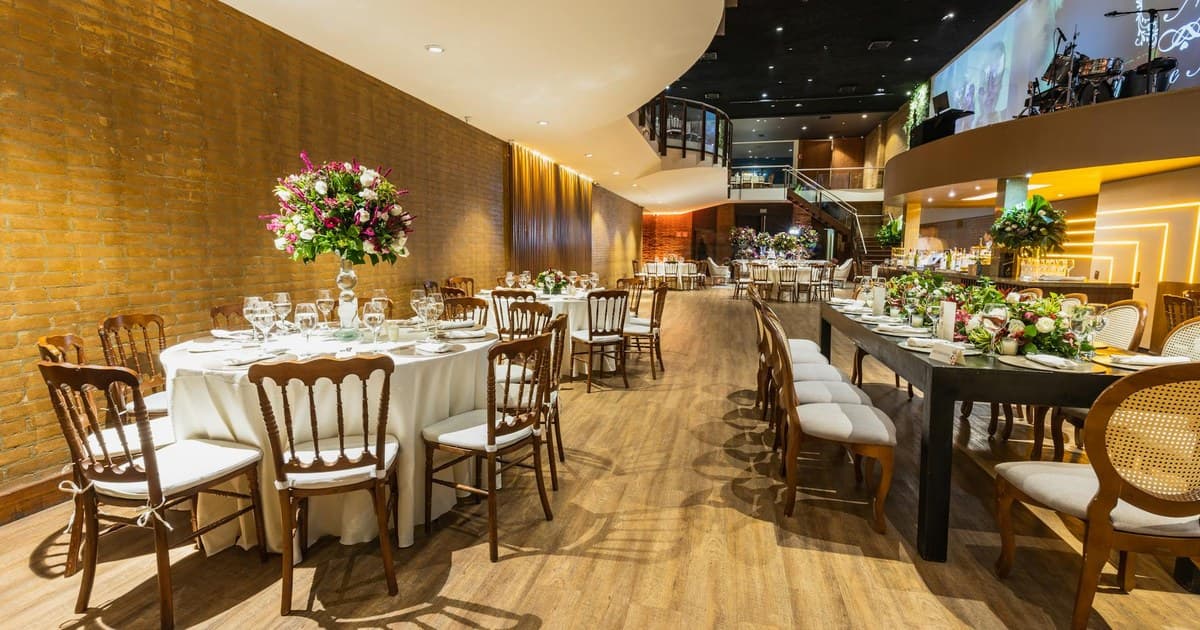
Lead Generation / Venue Marketing
Wedding Venue CRM: How to Track Leads From Inquiry to Booking
A practical guide to building a wedding venue CRM workflow that tracks inquiries, tours, proposals, follow-up, revenue, and the marketing channels that actually book events.
Lead Generation / Lead Systems
The 5-Minute Rule: Why Lead Response Time Makes or Breaks Bookings
Venues that respond within 5 minutes are 21x more likely to qualify a lead. Here's the data and how to fix your response time.
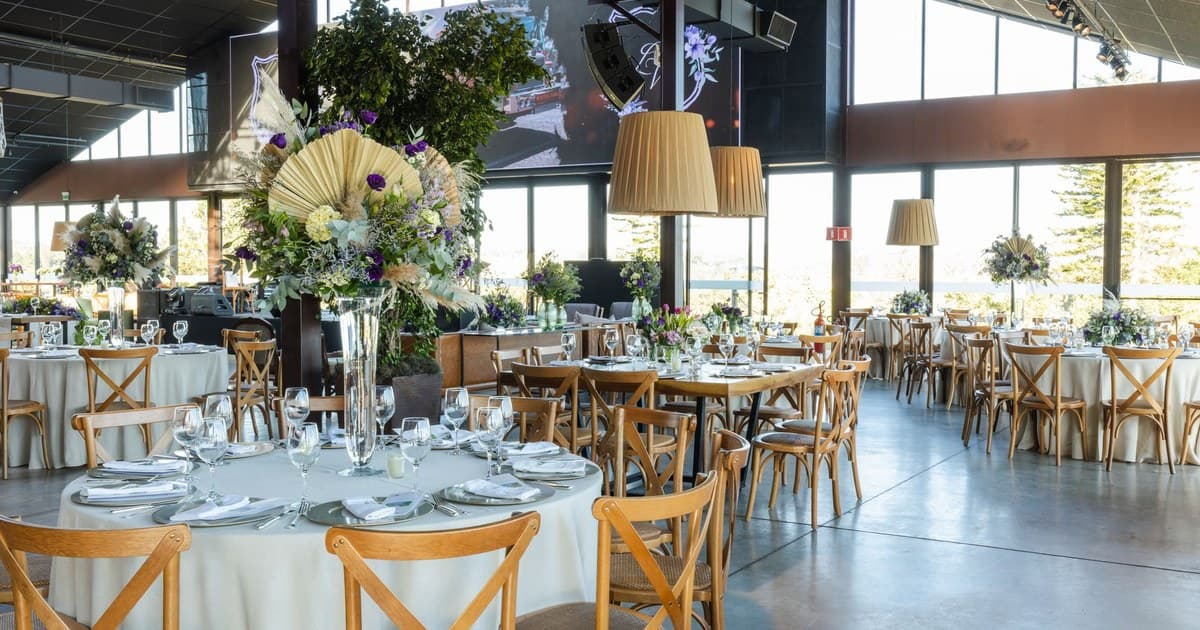
Venue Marketing / Lead Generation
Sample Wedding Venue Marketing Plan: 90 Days to More Tours
A sample wedding venue marketing plan with a 90-day schedule for goals, channels, and tracking inquiries through tours and bookings.